
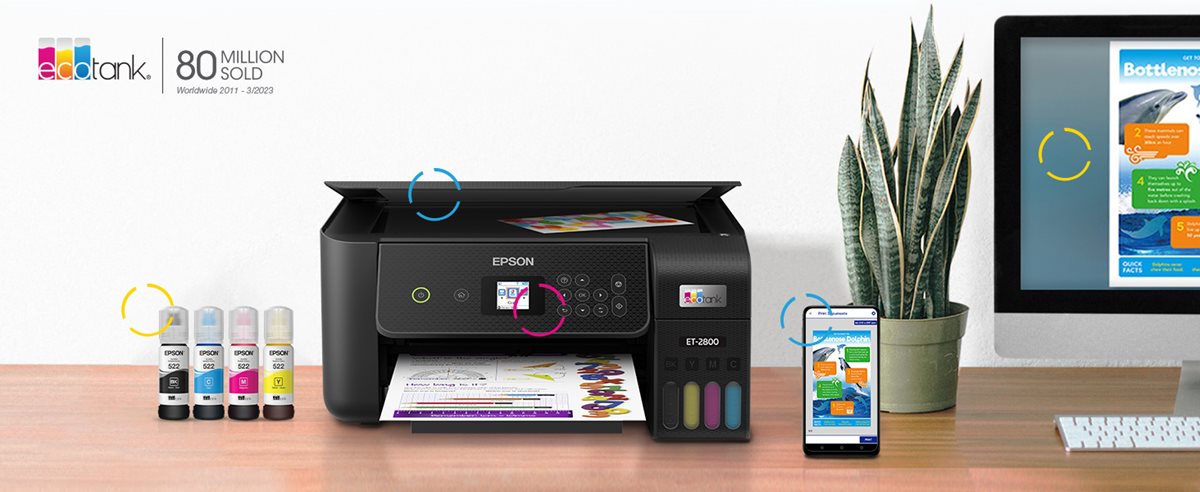

Here’s a detailed, fresh review of the Epson EcoTank ET-2800 Wireless Color All-in-One Cartridge-Free Supertank Printer — its strengths, limitations, and whether it’s right for your home and office setup.
Overview
The Epson ET-2800 is aimed at home users who print regularly, want color output occasionally (photos, graphics), but are sick of replacing tiny cartridges. It’s a “supertank” model — ink supplied via refillable bottles, removing the usual cartridge-replacement cycle. It offers printing, scanning, copying (no fax, no ADF), wireless connectivity, and a flatbed scanner. For day-to-day home tasks like school work, documents, photos, its proposition is low ongoing cost and decent quality.
Key Specifications
Here are the major specs you’ll want to know. I gathered these from the official spec sheets and trusted reviewers.
| Spec | Detail |
|---|---|
| Print Technology | MicroPiezo inkjet, 4 colors (C/M/Y + Black) |
| Max Print Resolution | 5760 × 1440 dpi |
| Print Speed (ISO) | ~10 pages per minute (ppm) for black, ~5 ppm for color |
| First Page Out | ~10 sec (black), ~16 sec (color) |
| Scanner | Flatbed, optical resolution ~1200 × 2400 dpi (via hardware), with color depth |
| Copy Speed | ~7.7 cpm (black), ~3.8 cpm (color) |
| Paper Input | 100-sheet standard tray; plus photo paper tray (≈ 20 sheets) |
| Paper Output | ~30 sheets plain paper |
| Connectivity | WiFi (802.11 b/g/n), WiFi-Direct, USB; supports AirPrint, Mopria, Epson’s Smart Panel app |
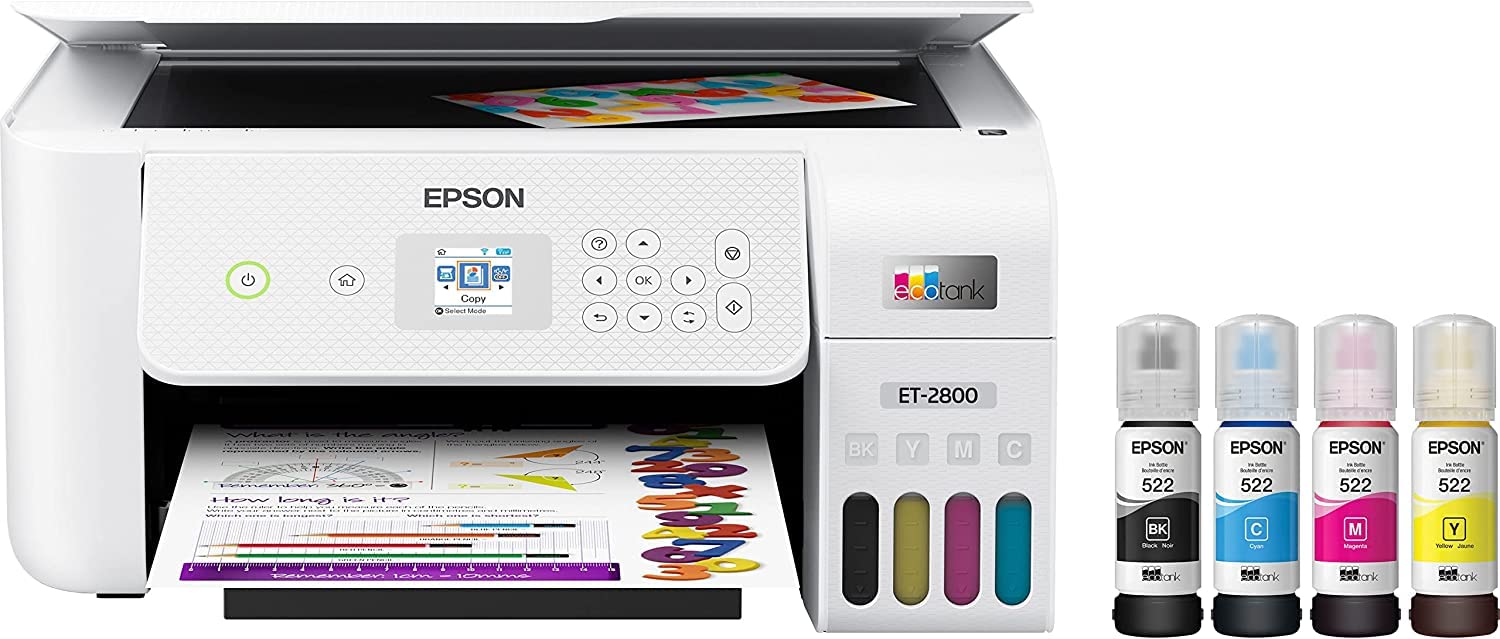
| Yield / Ink Capacity | Replacement ink bottles: approx 4,500 pages black, 7,500 pages color with a set of color bottles. Also, the initial bottles roughly provide “up to 2 years of ink in the box” for average home use. |
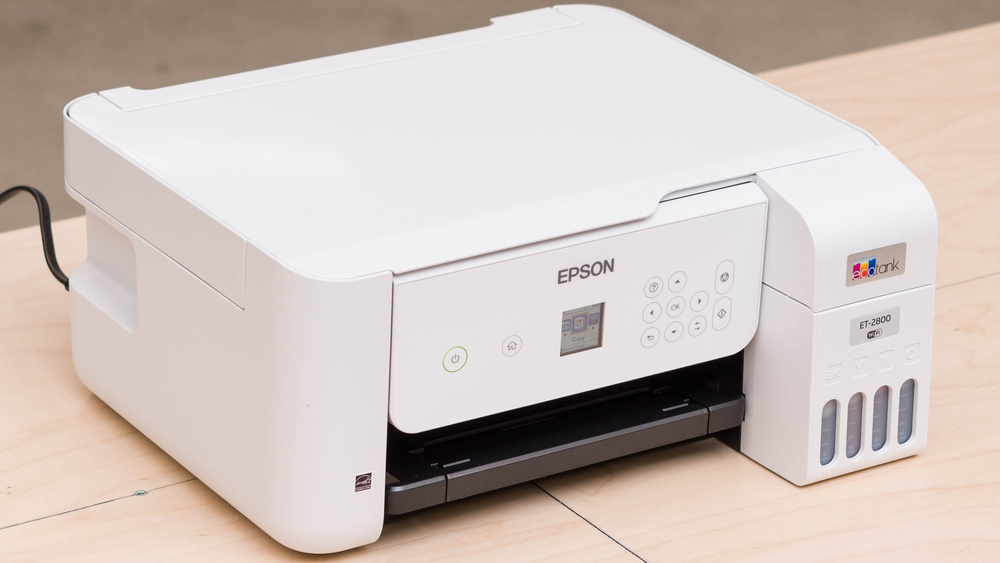
| Size & Weight | ~ 14.8″ × 22.8″ × 10.0″ (≈ 375 × 578 × 253 mm), weight ~5.9-6 kg (≈ 13 lb) |
What It Does Well
-
Low Running Cost
This is the ET-2800’s biggest draw. Thanks to high-capacity ink bottles and a supertank design, cost per page is drastically lower than cartridge-based printers. If you print moderately often, that difference adds up. The “4,500 black / 7,500 color” ink yield is impressive for this class. -
Good Print & Scan Quality for Everyday Use
Text documents are crisp; graphics and color photos are reasonable given the price. The flatbed scanner gives decent resolution and color scanning. For regular home tasks—school assignments, recipes, forms, casual photos—it’s more than adequate. Reviewers report “very fine details in pictures” and “high-quality scans.” -
Cartridge-Free Convenience
No fiddling with small cartridges every few weeks. The ink bottles are fairly large and filling the tanks is relatively straightforward. Less waste too. It’s less frequent maintenance for cartridges, though print heads still need occasional cleaning. -
Solid Connectivity Options
Wireless, WiFi-Direct, mobile printing via Epson’s apps, AirPrint etc. These make printing from phone/tablet pretty seamless, which is important in a home environment. -
Compact / Reasonable Footprint
For a supertank model, it’s not huge. Might be a bit longer (depth) than a basic cartridge printer, but manageable. Weight and size aren’t excessive.
Where It Has Limitations
-
Speed Is Modest
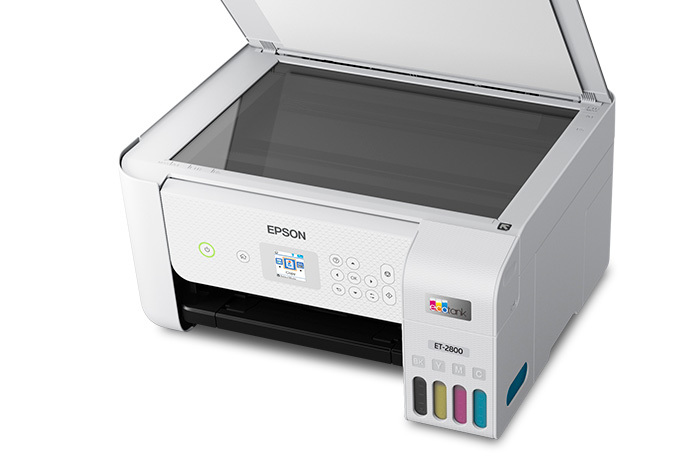
While 10 ppm (black) is okay for short documents, if you have long printing tasks or often print color graphics/photos, it can feel slow. Copying and scanning multi-page tasks also take time, especially since there is no ADF (Automatic Document Feeder). You’ll need to manually place each page for scanning or copying. -
No Auto-Duplex Printing
This printer does not support automatic double-sided printing. If you often do double-sided documents, you will have to manually flip pages. It adds time and is a bit of a nuisance. -
No ADF, No Fax
If your workflow includes scanning many pages in bulk, this becomes a drawback. Additionally, there’s no fax feature built in. For many home users this isn’t a deal-breaker, but worth noting. -
Photo Output Has Trade-Offs
Though the color output is decent, photos may show grain under certain lighting or in details. Dark areas or extreme contrast can suffer a bit. Also glossy or premium photo papers will show more of the printer’s limitations. If you want professional quality photo printing, higher-end models will do better. -
Occasional Maintenance Needs
Even though there are no cartridges, print heads sometimes need cleaning (especially if the printer is idle for long). Ink system upkeep is still necessary. If you print very infrequently, the heads may clog or need nozzle cleaning, which uses ink. Also, refilling properly without spills requires care. -
Build & Extras Are Basic
The display is modest (≈ 1.44-inch color LCD), and the features are appropriately limited for its class. No fancy touchscreen, no Ethernet, fewer high-end bells & whistles. It does what it needs to, but doesn’t try to be premium.
Use Cases — Where It Shines, Where It Doesn’t
Ideal For:
-
Home / Student Use
Regular assignment printing, scanning documents for school, photos for family, occasional graphic stuff. The cost savings make this especially attractive if you’re printing dozens to a few hundred pages per month. -
Budget-Conscious Households
If you hate spending on ink, ET-2800 can lower ink-cost burden significantly. If you print enough to make the ink bottles pay off, then the total cost over lifetime is much better than many cartridge printers. -
People Who Want Simple Operation
As long as you don’t need fancy features like auto duplex, ADF, fax, this keeps things simple. Wireless printing, mobile support, flatbed scanning are enough for most home tasks.
Less Well Suited For:
-
Heavy Office / Business Use
Where multi-page scanning, fast turnaround, double-sided printing, or large volume are needed, this model will show its limits. -
Photo Enthusiasts or Professionals
If you need photography-level color accuracy, fine gradation, larger color gamut, or high gloss prints, then you may want to look at dedicated photo printers or higher-end ink tank models with more advanced photo features. -
Infrequent Use Scenarios
If you go long periods without printing, the risk of ink drying or clogging increases. Also idle printers need occasional use to keep heads clean. So if your printing is spiky (print a lot then nothing), some extra maintenance will be required.
Verdict
The Epson EcoTank ET-2800 is a smart pick for many home users: it offers excellent value in terms of running cost, acceptable quality for daily printing, and enough features to cover general needs without overpaying for extras you might not use.
If you were to rate it (out of 10) in various categories, here’s roughly how I’d score it for its target audience:
| Category | Approx Score |
|---|---|
| Value (cost per page + lifetime cost) | 9/10 |
| Print & Scan Quality (for day-to-day, casual photo use) | 7.5-8/10 |
| Speed / Convenience (e.g. multi-page, color jobs) | 6/10 |
| Feature Richness (extras, auto duplex, ADF etc.) | 5.5-6/10 |
| Suitability for Home / Student Use | 8.5/10 |
Recommendation
If I were you, considering a printer for home use, especially if you expect to print frequently (say 100-300 pages a month), this would be a very strong choice. The savings on ink will likely recover the extra up-front cost compared to cheap cartridge printers within a year or so.
If your printing is occasional and mostly small mono jobs, or you need to scan entire stacks often, then you might want to compare models with an automatic document feeder, auto-duplex printing, or faster color speed (but expect those models to cost more).
TechSpace.club is a participant in the Amazon Services LLC Associates Program, an affiliate advertising program created to provide a means for websites and content creators to earn advertising fees by advertising and linking to Amazon.com and its affiliated marketplaces. As an Amazon Associate, we earn from qualifying purchases made through eligible links on our website.