
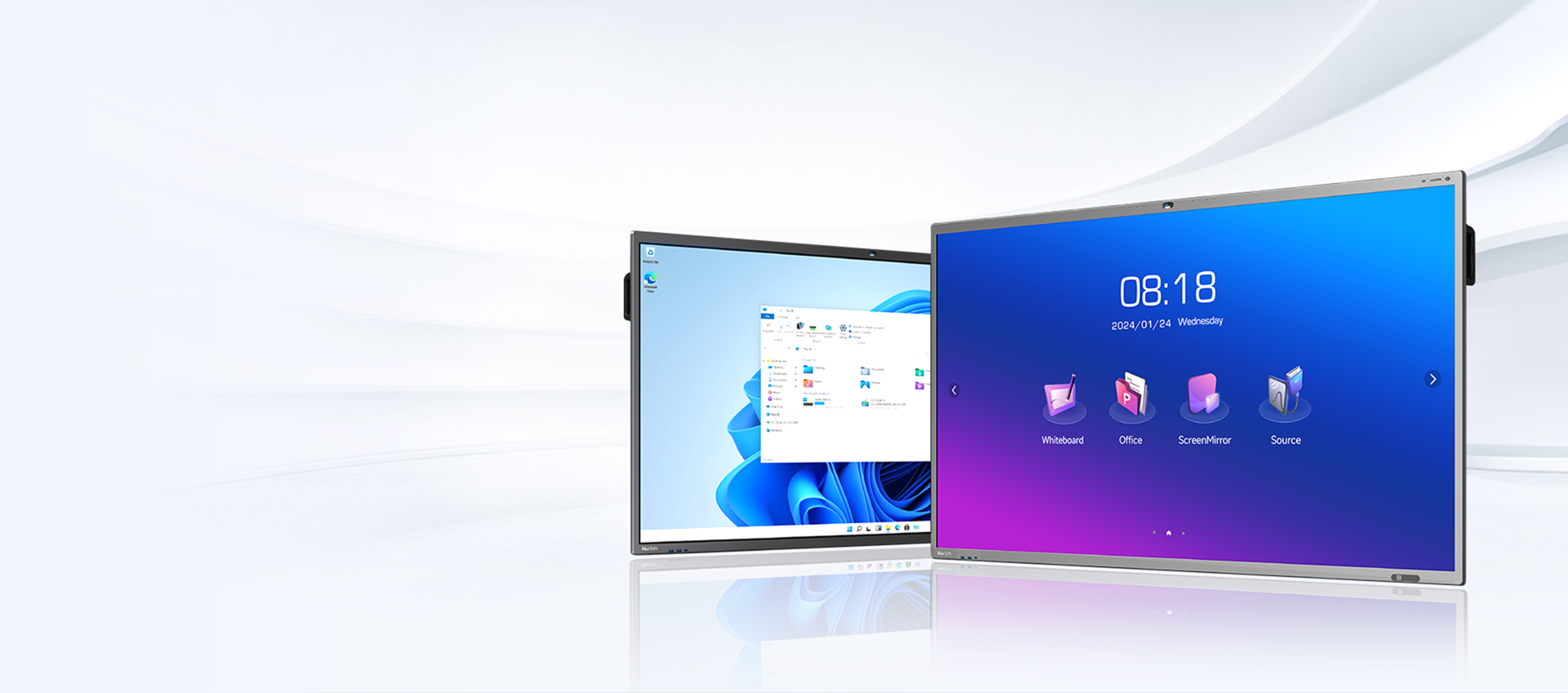

Here’s a deep dive review of the Horion 65-inch Smart Board (M6APro series) — a 4K interactive display / digital whiteboard aimed at classrooms, meeting rooms, and collaborative workspaces. I’ll cover what’s good, what could be better, and whether it might be a fit depending on your needs.
What It Is — Key Features and Specs
From the manufacturer (Horion) and product listings, here are the standout specs for the 65-inch M6APro model:
| Feature | Detail |
|---|---|
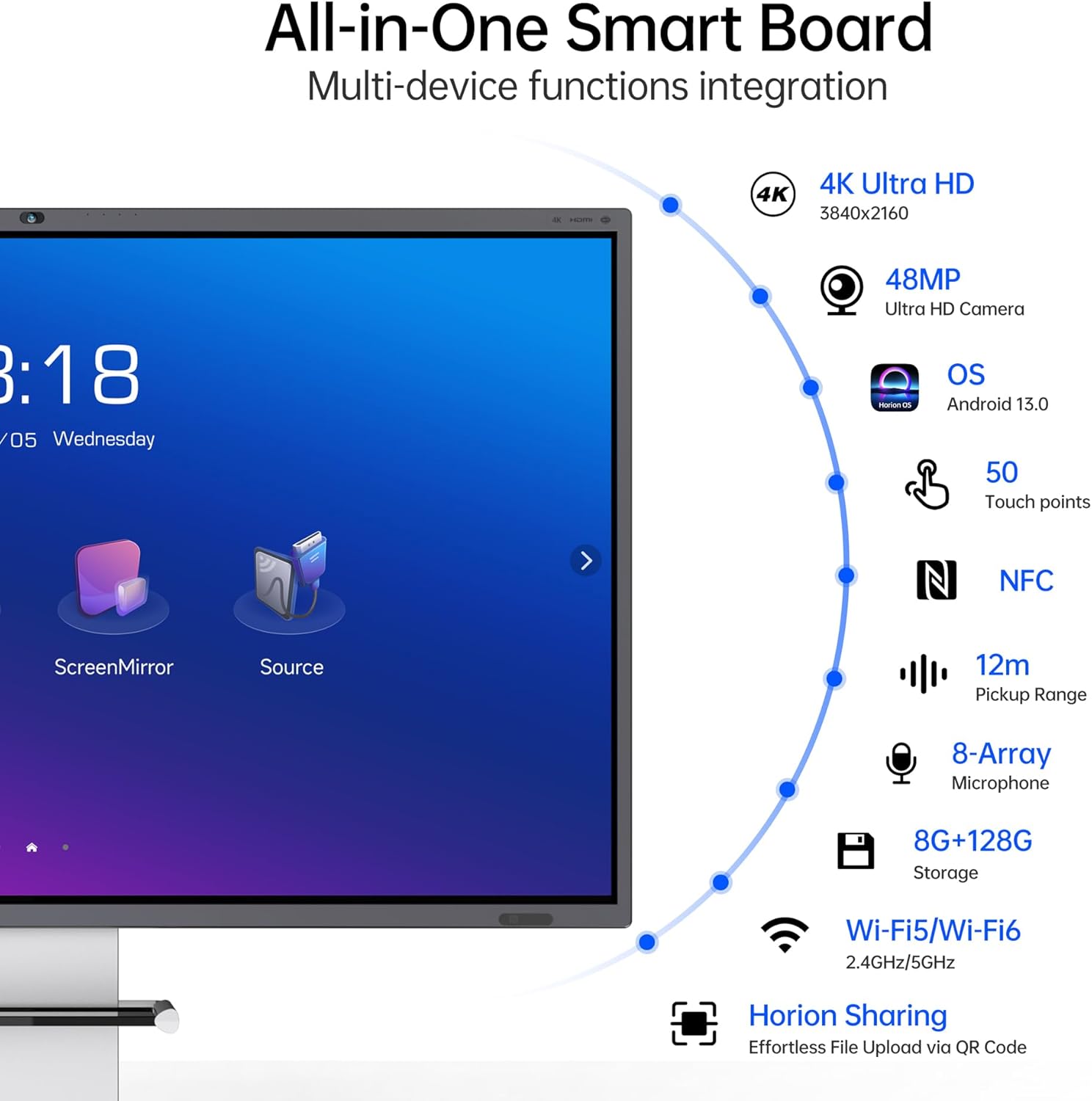
| Display size / Resolution | 65-inch screen, 4K Ultra HD (3840 × 2160) resolution. |
| Touch points | Up to 50-point multi-touch support (this allows many users to interact simultaneously). |
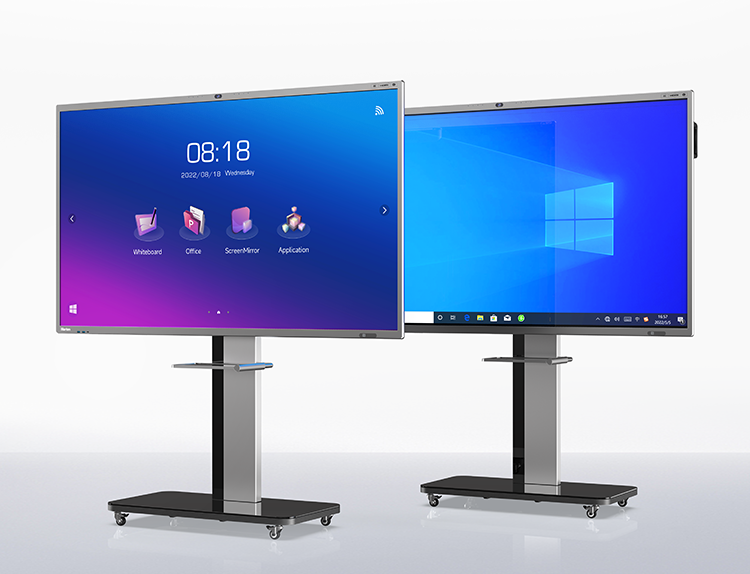
| Operating system / Processor / Memory | Comes with Android 13 OS, an 8-core processor, 8 GB RAM + 128 GB storage. Optionally, dual system (Android + Windows) in some variants. |
| Camera & Audio | Built-in 48MP Ultra HD camera with ultra-wide angle lens; also an 8-array microphone with a pickup range up to ≈ 12 meters, 180° audio capture, AI sound source localization, auto framing, speaker tracking features. |
| Viewing & Visuals | Wide viewing angles (~178° both horizontally and vertically), vivid color support, 4K visuals, brightness suitable for meeting/classroom lighting. |
| Connectivity & Extras | Dual Wi-Fi (both 2.4GHz + 5GHz), Bluetooth, NFC, wireless screen mirroring, ability to run common conferencing tools and collaboration software. Some models have additional ports like HDMI etc. |
What It Does Well (Pros)
Based on its features, here are the strong points where this board shines:
-
High Quality Visuals & Large Format
The 65-inch 4K display delivers sharp clarity. For classrooms or meeting rooms where many people need to see clearly, the size + resolution combo is excellent. Fine text, detailed graphics or diagrams look good. The wide viewing angle ensures visibility without distortion from off-centers. -
Excellent Video Con-/Collaboration Tools
Integrated camera + mic array + auto frame & speaker tracking make this much more than a passive display. It becomes a conferencing hub. In remote / hybrid setups, those features matter a lot: people attending virtually will see and hear better, and non-verbal cues (gestures, whiteboard annotations) are better captured. -
Multi-Touch & Interactivity
With up to 50 touch points, multiple users can annotate, draw, move things simultaneously. This encourages collaborative work, group learning, interactive brainstorming. The touch responsiveness is good (manufacturer claims low latency). Makes sense for education or creative design workshops. -
Good On-board Hardware & Storage
8 GB RAM + 128 GB storage is generous. Many smart boards often skimp on storage, making them lag when installing many apps or storing large media. The Android13 OS means more modern app compatibility, UI fluidity, security. -
Connectivity & Workflow Efficiencies
Wireless screen mirroring, NFC, good connectivity (dual WiFi etc.) reduce friction. Meeting prep is easier when presenters can cast from phones or laptops. Also, auto framing and AI features simplify remote presentation (less fiddling with camera angles, etc.).
Where It Could Be Better (Cons / Limitations)
Nothing is perfect; depending on how you use it, some trade-offs or cons to be aware of:
-
Brightness / Glare & Ambient Light Sensitivity
While specs cite adequate brightness for meeting rooms, in very bright rooms or with strong sunlight, glare might be an issue. The large glass surface can reflect. Users might need shading or matte surfaces/environmental control. -
Power & Physical Bulk
At 65-inch with all-in-one components (camera, speakers, etc.), it is heavy and needs robust wall mounting. Installation must be precise. Also, power consumption is higher than smaller boards; there may be warm-up time or cooling needed depending on usage. -
Learning Curve & Software Maintenance
The board’s richness in features means more settings, app updates etc. might be needed. Keeping firmware updated, ensuring all software (camera tracking, annotation apps) work properly can require IT support. Users less technical may find initial setup or calibration tedious. -
Cost
Up-front cost is non-trivial. High quality components (48MP camera, sound, mic array) raise the price vs simpler boards. Also ongoing costs (if warranty, replacement parts, etc.) should be considered. -
Limited for Some Specialized Use Cases
If you need extremely high color fidelity (e.g. for professional photo or video editing), the board may not match studio-grade monitors. If you regularly do multi-page scanning or need advanced document feed features, a board might not suffice (you’d still need external document cameras or scanners).
Real-World Usage & Impressions
Putting it into context, here are ways the Horion 65-inch Smart Board works well, and where users might notice compromises in everyday use.
-
In a classroom: As a teacher, you can annotate live, show multimedia, cast from student tablets for presentations. Students in back rows can see clearly. Virtual classes also benefit from better camera and mic. Group projected work (math diagrams, science visuals) becomes more engaging.
-
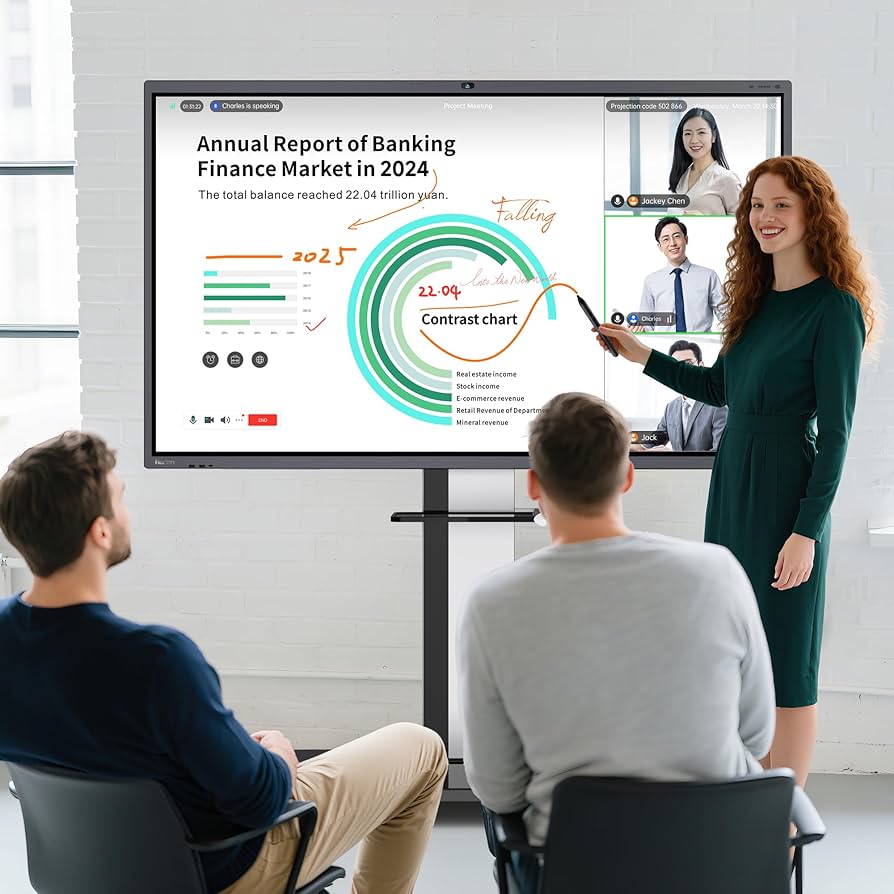
In a meeting room / boardroom: Presenters can share slides, annotate live, colleagues remote can be part of whiteboard sessions in real time. The camera auto framing captures everyone easily. It may reduce the need for external webcams / audio gear.
-
Collaborative group workspaces: Brainstorming, idea mapping, design thinking workshops — multiple people using touch, moving things around, sketching etc. are supported nicely.
-
For workshops or training: In training sessions where participants need interactive feedback, quizzes, digital whiteboarding, etc., the board gives flexibility. Also storing content onboard and later reviewing works well thanks to storage.
However, in settings like:
-
Very large auditoriums, where 65-inch may still feel small depending on distance. Larger variants exist (75-98″) in the same series, but cost and installation complicate matters.
-
Very bright or unevenly lit rooms — potential glare, need for adjustable lighting.
-
Users unfamiliar with interactive touch panels may need training, else features may go underused.
Verdict & Who It Suits Best
Overall, the Horion 65-inch M6APro Smart Board is a strong choice for organizations (schools, small-to-medium businesses, training centers) that need a robust all-in-one interactive digital whiteboard. It blends display quality, collaboration tools, modern hardware, and built-in conferencing features in a way that reduces external dependencies (fewer extra cameras, microphones, etc.).
It is particularly well suited if:
-
You have a room of sufficient size (meeting or classroom) where many participants need good visibility.
-
You do hybrid or remote meetings / teaching often, not just in-person — the camera & audio features become more valuable in that case.
-
You want multiple users interacting at once (students, team members) — the multi-touch works well for that.
-
You have reliable infrastructure (electricity, stable internet, support for installing / updating software).
It might be less ideal if:
-
Your budget is tight and you don’t need all the extra features (maybe a simpler board or display would suffice).
-
You rarely do remote communication and primarily use basic projections / non-interactive content.
-
Your room lighting or space is challenging (bright glare, limited wall support) unless you plan to handle that.
TechSpace.club is a participant in the Amazon Services LLC Associates Program, an affiliate advertising program created to provide a means for websites and content creators to earn advertising fees by advertising and linking to Amazon.com and its affiliated marketplaces. As an Amazon Associate, we earn from qualifying purchases made through eligible links on our website.